GreenLoop IT Solutions : Articles
How to activate free Dark Web Monitoring for your personal email account
GreenLoop provides automated Dark Web Monitoring and alerting for our managed services customers as part of all of our Managed Security Plans. GreenLoop monitors for new dark web detections for all of your company’s Microsoft 365 addresses, and alerts your company security contacts if anything new is found, including detailed instructions for what to do if a new breach is found.
This article explains how to set up a similar, free, service for your personal email accounts using Have I Been Pwned, an award-winning cybersecurity service that’s free for personal use.
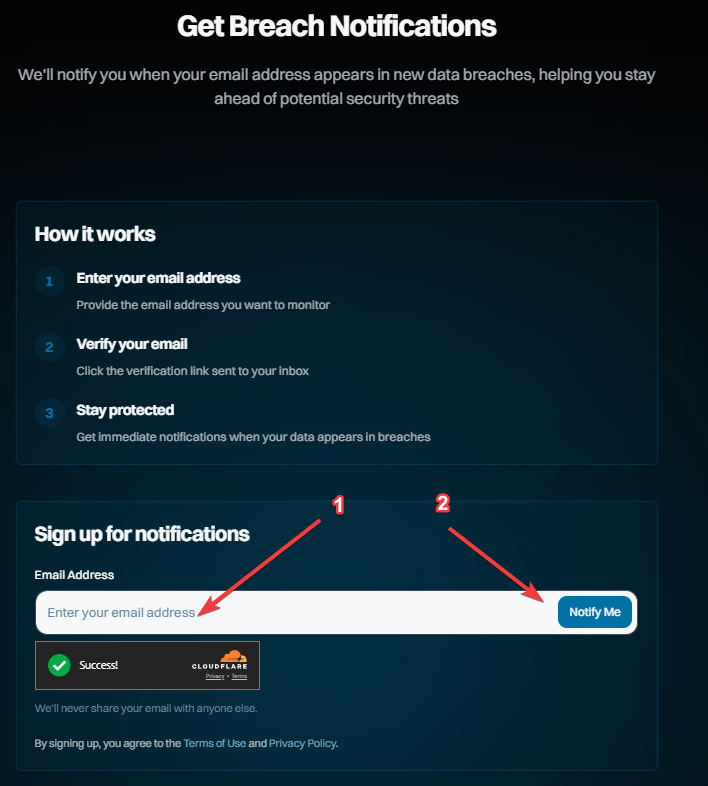
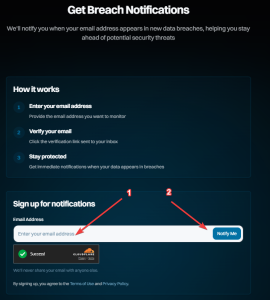
- Navigate to the haveibeenpwnd.com Breach Notifications page.
- Enter your email address, and click Notify Me:
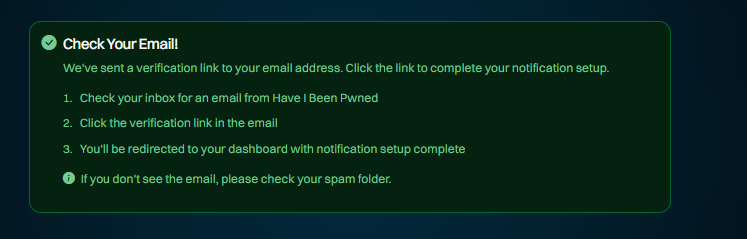
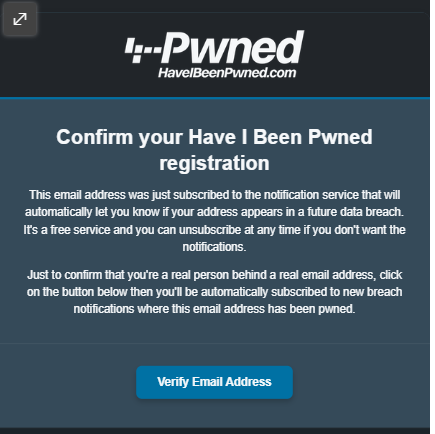
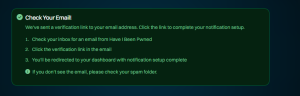
- Follow the instructions to go to your email, and click the confirmation link:
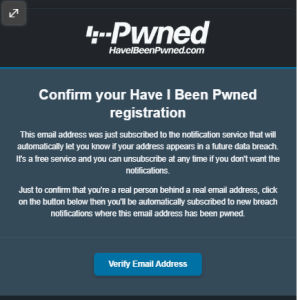
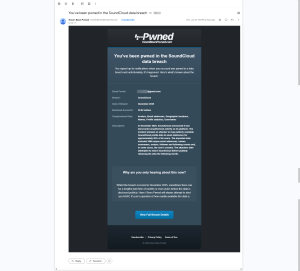
- That’s it! You will receive email notifications going forward whenever the HIBP team detects and uploads new breach data that matches your email address.
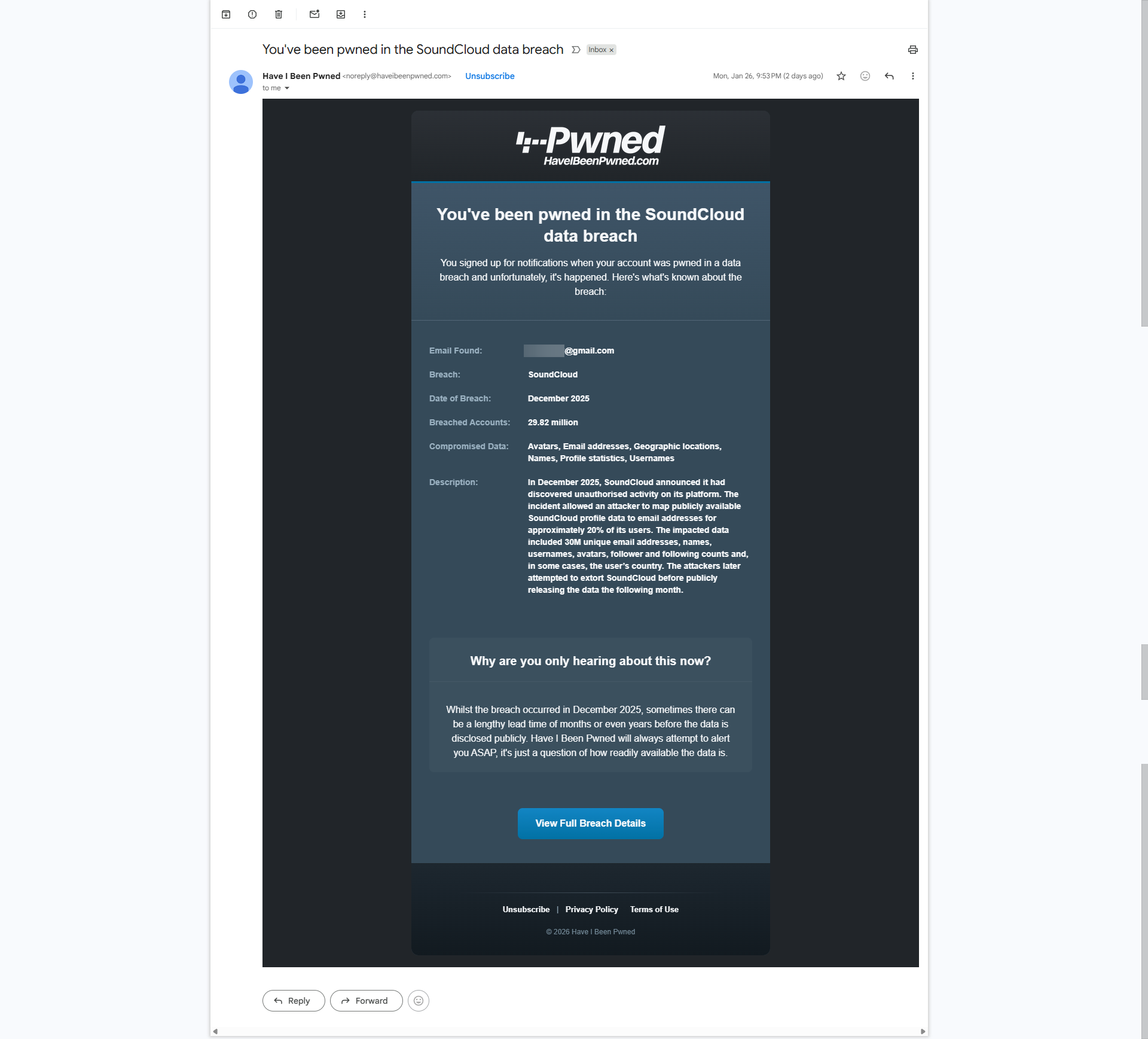
See the example below of what one of these looks like in your Inbox: