


GreenLoop IT Solutions : Articles
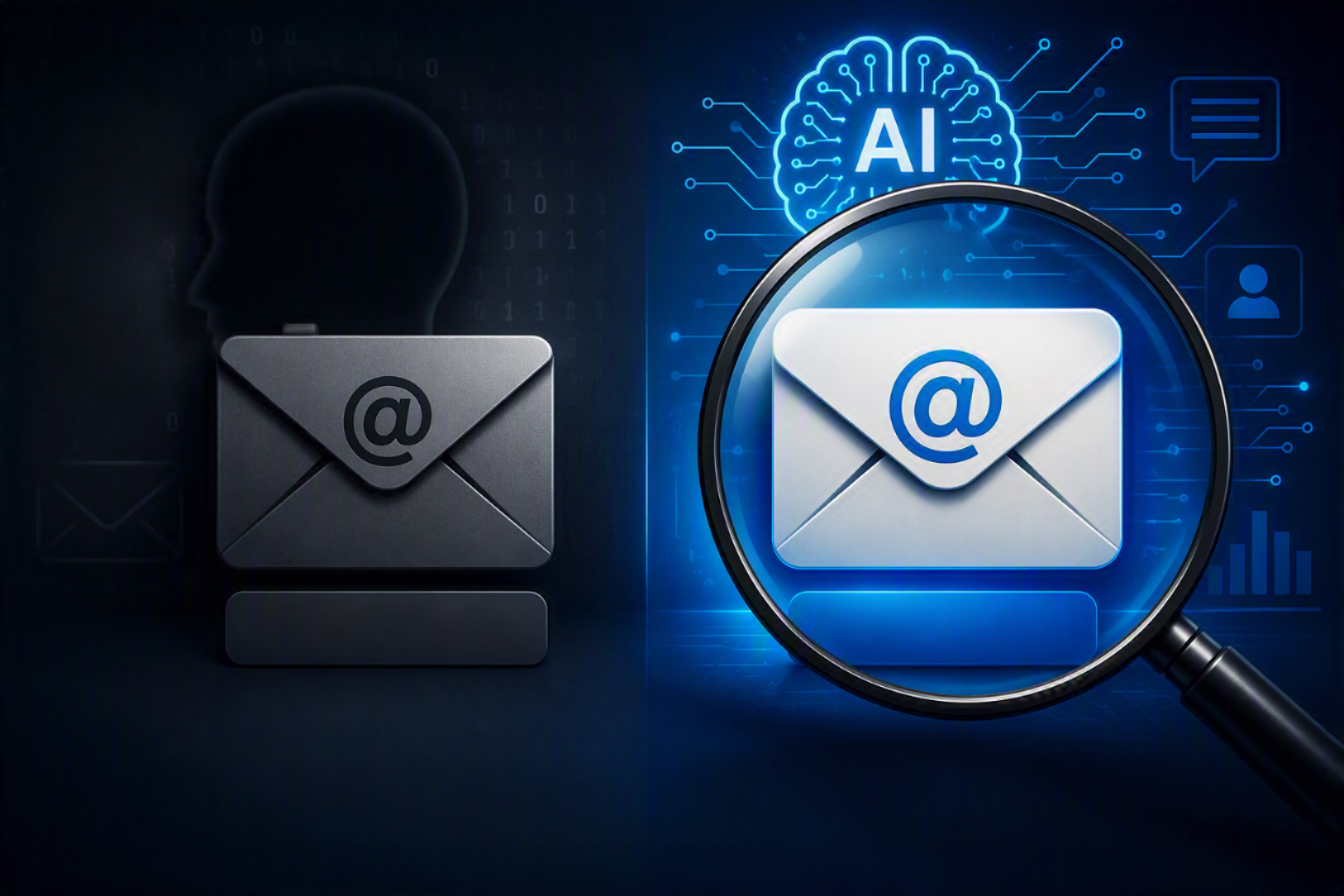
Shadow AI: Personal Email vs. Company Email Accounts, and What GreenLoop Can Do About Each
Executive Summary
- What it is: Employees often have ChatGPT or Claude accounts that your organization cannot see or manage. This is commonly called “shadow AI.” These accounts do not all carry the same risk, and they cannot all be handled the same way.
- Why the email address matters: Your organization cannot see an account tied to a personal email address. An account tied to a company email address can be identified, even if it was never brought under central management.
- What GreenLoop does: We identify accounts tied to your verified company email domain and map a realistic plan to bring them under management or retire them. We cannot see accounts tied to personal email addresses, and we do not clean up individual accounts ourselves, because that requires account access we do not have.
- Where this fits: This is part of the discovery work in our ChatGPT and Claude security assessment. Your organization carries out the cleanup plan, either directly or with our help configuring the policies that prevent new unmanaged accounts.
Two Kinds of “Personal Account”
When we talk with clients about shadow AI, “personal account” is often used for two different situations. Each one needs a different approach.
Accounts tied to a personal email address
These accounts create the most risk. An employee signs up for ChatGPT or Claude with a personal Gmail or similar address that has no connection to your company’s identity systems. There is no domain to verify and nothing in an admin console. GreenLoop and your own IT team cannot see what was shared through the account. If sensitive company data went through it, you cannot recover or govern that data. For most small and midsize businesses, the most practical fix is policy and awareness. Tell employees which AI tool is approved for company use, and give them an approved option so they have no reason to use a personal account.
Accounts registered with a company email address
These accounts are a different problem. Because the account uses your domain, it can be identified after you verify that domain with the vendor. It may still be outside your admin console, never set up through single sign-on (SSO) or added to a managed workspace, but it can be found. On their higher plan tiers, both ChatGPT and Claude let you identify these accounts. You can then migrate them into a managed workspace, or the employee can export their data and close the account.
What GreenLoop Does
- Discover. As part of a security assessment, we help identify which employees have accounts tied to your company email domain, using the vendor’s own domain-verification tools.
- Map a plan. For company-email accounts, we lay out the realistic options, usually migrating the account’s data into your new managed workspace or having the employee export and close it. We schedule this alongside your rollout.
- Configure prevention. As part of hardening, we set up domain verification and enforced SSO. Where the plan supports it, we also turn on enforced account migration, so new accounts cannot be created outside your managed workspace.
What GreenLoop Doesn’t Do
- We do not access, migrate, or delete individual employee accounts ourselves. That requires credentials and account-level access we do not have and should not have. The decision and the action belong to your organization and the employee.
- We cannot see accounts tied to a personal email address. There is no domain to verify and no admin visibility into them. Because these accounts cannot be cleaned up after the fact, the fix is prevention through policy and an approved alternative.
A Practical Starting Point
If you think this is an issue in your organization, start with a short, clear policy. State which AI tool is approved for company use, why it was chosen, and who employees should ask about using AI with sensitive data. When employees also have a managed workspace that is easy to use, most of the reasons to use a personal account for work go away.
Frequently Asked Questions
An employee has a ChatGPT or Claude account tied to their personal Gmail. Can we do anything about data they already shared?
No, not directly. Neither your organization nor GreenLoop can access or audit that account. The practical response is to set up an approved company workspace and a clear policy, so employees have no reason to keep using a personal account for work.
Our employees have accounts tied to their work email, but IT never set them up. Can we bring those under control?
Yes, this situation is easier to fix. After you verify your email domain with the AI vendor, ChatGPT and Claude both provide tools to identify matching accounts. You can then migrate those accounts into a managed workspace, or the employee can export their data and close the account.
Does GreenLoop do the account migration for us?
No, the migration is done by the employee or your organization. We identify the accounts and map out the plan. The migration itself happens at the account level: the employee accepts an invitation and chooses to migrate or export.
How does this fit into the broader assessment?
It is one part of the discovery work in our ChatGPT and Claude security assessment. That article explains what the assessment covers and how plan selection, identity controls, and account cleanup fit together.
We want to find out how much shadow AI we have. What is the next step?
Contact your Account Manager to schedule a ChatGPT or Claude security assessment for your organization.
